
If you write interesting content, people will be ready to share your content which will bring more traffic to your blog. So as a publisher, you have to provide a means for your readers to share your blog content easily.
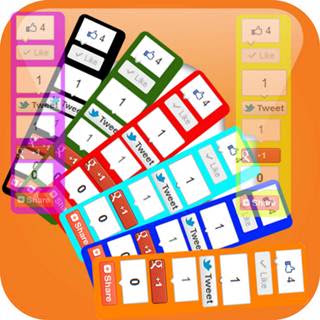
Today, I want to share 3 widgets with you that you can easily customize to your preferred taste and add to your blog without any difficulties. These 3 widgets will enable your readers to share your blog content every where they visit on your blog. These widgets are available in different sizes with an option to customize it to blend perfectly with your blog.
How to Add Floating Vertical Share Bar to Blogger Blog
Below is a widget generator form that you can easily use to add it to your blogger blog with a click.
1. Firstly, you need to select the type of vertical bar in the generator form
2. Customize the widget to your preferred color
3. Click on the Generate button
4. Finally add it to your blogger blog by clicking on the Add to Blogger button.
If you have not added this widget, I will suggest you to use it in your blog, to increase reach ability of your blog posts. More over you can also add this Floating Share Buttons Widget on your blog.
